Model Context Protocol (MCP)
Anthropic's MCP standard for connecting AI to external tools and data sources.
The Model Context Protocol (MCP) has become the industry standard for connecting AI models to external tools and data sources. With nearly 100 million monthly downloads and adoption across every major AI platform, MCP solves one of the hardest problems in AI development: giving models reliable, standardized access to the outside world. This module covers what MCP is, how it works, and why it matters for anyone building with AI.
The Problem MCP Solves
Before MCP, every AI application had to build its own integrations from scratch. If you wanted Claude to access your Google Drive, you wrote custom code. If you wanted GPT to query your database, you wrote different custom code. Every integration was bespoke, fragile, and non-reusable.
This created an N-by-M problem: N AI applications each needing to integrate with M tools and data sources, resulting in N × M custom integrations. MCP collapses this to N + M — each AI application implements the MCP client protocol once, and each tool implements the MCP server protocol once. Any client can then talk to any server.
The integration problem:
Before MCP (N × M integrations):
Claude + Google Drive = custom integration
Claude + Slack = custom integration
Claude + GitHub = custom integration
GPT + Google Drive = different custom integration
GPT + Slack = different custom integration
Every combination requires unique code.
With MCP (N + M integrations):
Claude implements MCP client (once)
GPT implements MCP client (once)
Google Drive implements MCP server (once)
Slack implements MCP server (once)
GitHub implements MCP server (once)
Everything connects to everything.
MCP Architecture
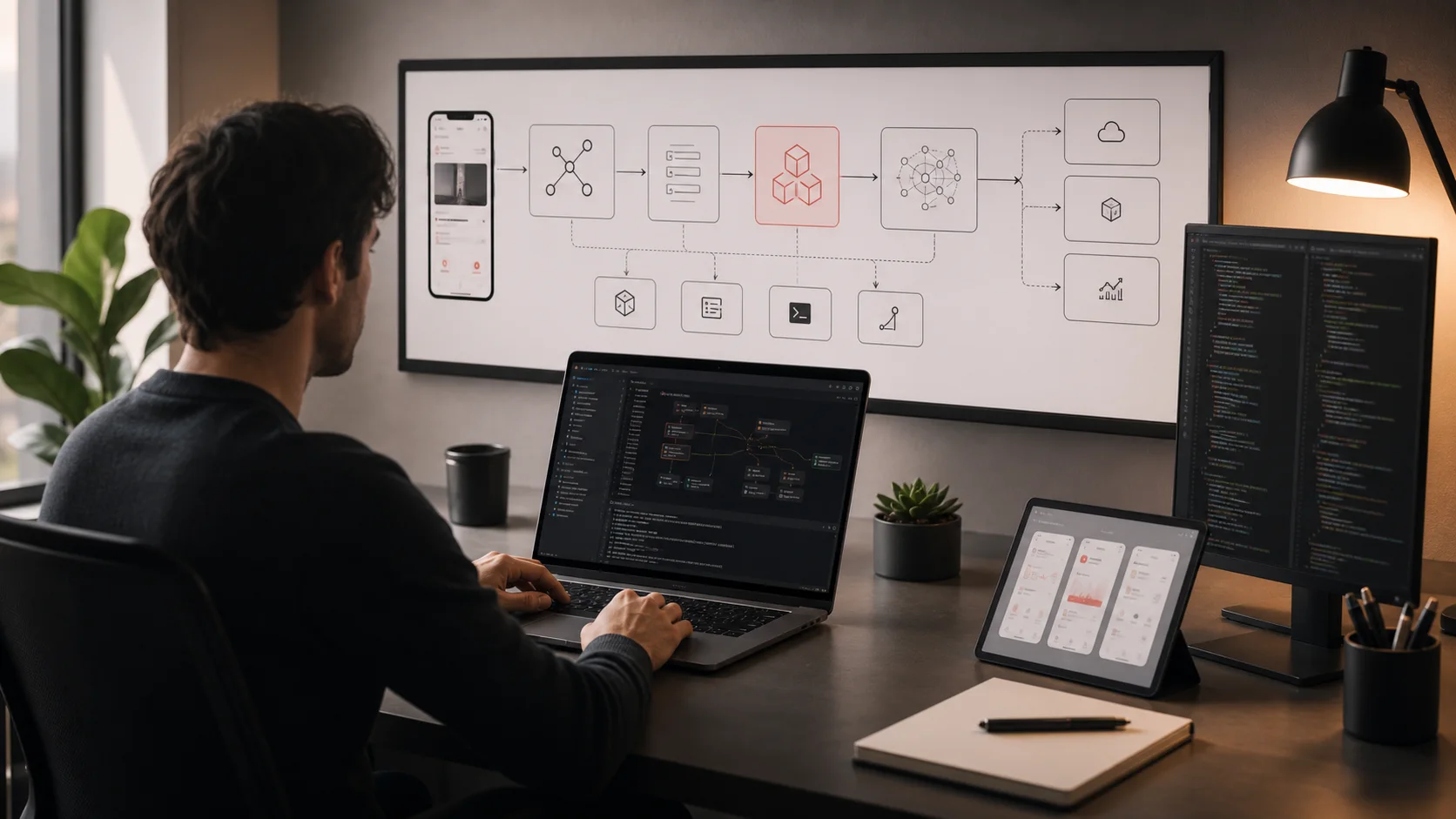
The MCP architecture has three layers: hosts, clients, and servers. Each plays a distinct role in the protocol.
Hosts (AI Applications)
The host is the AI-powered application that the user interacts with. It's the "outer shell" that manages the overall experience.
Examples: Claude Desktop, Claude Code, Cursor, Windsurf, custom AI applications you build yourself.
Clients (Protocol Layer)
The client is the protocol implementation inside the host. It maintains a 1:1 connection with an MCP server, handles message framing, capability negotiation, and lifecycle management.
Key detail: Each host can run multiple clients simultaneously — one per connected MCP server. The host coordinates between them.
Servers (Tool Providers)
The server exposes tools, resources, and prompts to the AI through the MCP protocol. Each server typically wraps a single external service or data source.
Examples: A Google Drive server that reads/writes files, a GitHub server that manages repos and PRs, a database server that runs queries, a Slack server that sends messages.
How a Request Flows
Example: User asks Claude to find a file on Google Drive
1. User request: "Find the Q4 budget spreadsheet on my Google Drive."
2. Host processing: Claude Desktop receives the message and sends it to the LLM along with available MCP tools.
3. Tool selection: The LLM decides to call the Google Drive MCP server's "search_files" tool with query "Q4 budget spreadsheet."
4. Client dispatch: The MCP client serializes the tool call and sends it to the Google Drive MCP server.
5. Server execution: The Google Drive server authenticates with Google's API, searches for matching files, and returns results.
6. Response assembly: The client receives the results, the host passes them back to the LLM, and the LLM generates a natural-language response.
Core MCP Capabilities
MCP servers can expose three types of capabilities to AI models:
1. Tools
Tools are actions the AI can invoke — calling an API, running a query, sending a message, creating a file. Each tool has a name, description, and a JSON Schema defining its input parameters. The AI model reads the tool descriptions and schemas to decide when and how to use them.
Example tool definition:
{ "name": "search_files", "description": "Search for files in Google Drive by name or content", "inputSchema": { "type": "object", "properties": { "query": { "type": "string", "description": "Search query to find files" }, "file_type": { "type": "string", "enum": ["document", "spreadsheet", "presentation", "any"], "description": "Filter by file type" } }, "required": ["query"] } }
2. Resources
Resources are data that the AI can read — files, database records, API responses, configuration settings. Unlike tools (which perform actions), resources provide context. They can be static (a configuration file) or dynamic (live data from a database).
3. Prompts
Prompts are reusable prompt templates that servers can expose. They let MCP servers provide domain-specific instructions that guide how the AI interacts with their tools. For example, a database MCP server might expose a "query_builder" prompt that helps the AI construct safe SQL queries.
MCP vs. Function Calling
Function calling (also called tool use) is a feature built into specific AI models — Claude's tool use, GPT's function calling, Gemini's function calling. It lets the model output structured requests to call functions you've defined. MCP and function calling are complementary, not competing:
| Aspect | Function Calling | MCP |
|---|---|---|
| What it is | Model feature — lets the AI request specific function calls | Protocol standard — defines how AI apps connect to tool servers |
| Scope | Model-specific (each provider has their own API) | Universal (works across any model or application) |
| Who defines tools | The application developer, per API call | MCP server authors — tools are discoverable at runtime |
| Tool discovery | Static — you hardcode which tools are available | Dynamic — the client discovers available tools from connected servers |
| Reusability | Each app implements its own tool execution | One MCP server works with any MCP client |
| Relationship | MCP uses function calling under the hood — the AI model makes function calls, and MCP routes them to the right server. | |
MCP Elicitation
One of MCP's most powerful recent features is Elicitation — the ability for an MCP server to request structured input from the user during tool execution. Before Elicitation, MCP tool calls were fire-and-forget: the AI sent a request and got a response. With Elicitation, the server can pause mid-execution to ask the user for additional information.
How Elicitation Works
Example: DocuSign MCP server with Elicitation
1. User: "Send the NDA to our new client for signature."
2. AI calls DocuSign MCP server: "create_envelope" tool with document ID.
3. Server elicits input: The server needs the client's email address and signing order. It sends an elicitation request back to the host with a structured form.
4. Host presents form: The user sees a form asking for recipient email, name, and signing deadline.
5. User fills in details: The form responses go back to the server.
6. Server completes: The DocuSign server creates the envelope with the provided details and returns a confirmation.
Why Elicitation Matters
- Handles ambiguity: Instead of the AI guessing at missing information, the server can ask the user directly
- Structured data collection: Elicitation requests define exact schemas — dropdown menus, date pickers, required fields — ensuring the server gets properly formatted data
- User confirmation: For sensitive actions (sending money, deleting data, signing documents), Elicitation provides a natural confirmation step
- Multi-step workflows: Complex processes that need multiple pieces of information can collect them incrementally without front-loading all the questions
The MCP Ecosystem
MCP has grown from an Anthropic project into a thriving ecosystem. As of March 2026, the ecosystem includes:
Official and First-Party Servers
Google Drive
Search, read, and create files in Google Drive
Google Calendar
View, create, and manage calendar events
Gmail
Read, search, compose, and send emails
GitHub
Manage repos, issues, PRs, and code search
Slack
Send messages, search channels, manage threads
DocuSign
Create, send, and track document signatures
PostgreSQL
Query and manage PostgreSQL databases
Filesystem
Read and write files on the local filesystem
Brave Search
Web search with privacy-focused results
Puppeteer
Browser automation and web scraping
Community Ecosystem
Beyond official servers, a large community ecosystem has emerged. Thousands of community-built MCP servers cover everything from CRM systems and project management tools to niche industry databases. Directories like the MCP Hub and integrations marketplaces make it easy to discover and install servers for nearly any tool.
MCP in Major AI Tools
| Tool | MCP Support |
|---|---|
| Claude Desktop | Full MCP support — configure servers via settings, tools appear in conversations |
| Claude Code | Extensive MCP usage — connects to filesystem, Git, databases, and custom servers for coding workflows |
| Cursor | MCP support for extending the IDE with custom tool servers |
| Windsurf | MCP integration for tool access within the coding environment |
| Custom applications | SDKs available in TypeScript, Python, Java, C#, and Kotlin for building your own MCP hosts |
Building an MCP Server (Conceptual Walkthrough)
Building an MCP server is straightforward, especially with the official SDKs. Here's the conceptual flow:
Step 1: Define Your Tools
Decide what capabilities your server will expose. Each tool needs a name, a clear description (the AI reads this to decide when to use the tool), and an input schema defining the parameters.
Step 2: Implement Tool Handlers
Write the code that executes when each tool is called. This is where you connect to your external service — make API calls, query databases, read files, or perform any other action.
Step 3: Set Up the Server
Use the MCP SDK to create a server instance, register your tools, and start listening for connections. The SDK handles all the protocol details — capability negotiation, message framing, error handling.
Step 4: Configure Transport
MCP supports two transport mechanisms:
- stdio (standard I/O): The host spawns the server as a child process and communicates via stdin/stdout. Best for local servers.
- SSE (Server-Sent Events) / Streamable HTTP: The server runs as a web service and communicates over HTTP. Best for remote and shared servers.
Conceptual server structure (TypeScript):
// 1. Import the MCP SDK import { McpServer } from "@modelcontextprotocol/sdk/server/mcp.js"; import { StdioServerTransport } from "@modelcontextprotocol/sdk/server/stdio.js"; // 2. Create the server const server = new McpServer({ name: "my-tool-server", version: "1.0.0" }); // 3. Register tools with schemas and handlers server.tool( "get_weather", "Get current weather for a city", { city: { type: "string", description: "City name" } }, async ({ city }) => { const weather = await fetchWeatherAPI(city); return { content: [{ type: "text", text: JSON.stringify(weather) }] }; } ); // 4. Connect transport and start const transport = new StdioServerTransport(); await server.connect(transport);
The Future of Tool-Use Standards
MCP's rapid adoption — from launch to 100 million monthly downloads — signals that the AI industry has embraced standardized tool use. Several trends are shaping where MCP and tool-use standards are heading:
- Agent-native workflows: As AI agents become more autonomous, MCP will evolve to support long-running tasks, multi-step workflows, and agent-to-agent communication
- Enterprise governance: Organizations need audit trails, access controls, and approval workflows around tool use. MCP is adding features to support enterprise security requirements
- Marketplace expansion: Expect a growing ecosystem of commercial MCP servers — pre-built, production-quality connectors for enterprise tools, with SLAs and support
- Cross-model compatibility: As more model providers adopt MCP, the same server will work seamlessly across Claude, GPT, Gemini, Llama, and any other model — true tool portability
- Richer interaction patterns: Elicitation is just the beginning. Future MCP versions will support richer UI rendering, progressive disclosure of information, and more sophisticated human-in-the-loop workflows
Resources
Model Context Protocol Documentation
Anthropic
The official MCP specification, documentation, tutorials, and SDK references. The definitive resource for understanding and building with MCP.
MCP GitHub Repository
Model Context Protocol
Official open-source repositories including the specification, TypeScript and Python SDKs, and reference server implementations.
Introducing the Model Context Protocol
Anthropic
Anthropic's original announcement of MCP, explaining the motivation and vision behind the protocol.
MCP TypeScript SDK
Model Context Protocol
The official TypeScript SDK for building MCP servers and clients. Includes examples for common patterns like filesystem access and API integration.
Key Takeaways
- 1MCP is the industry standard for connecting AI models to external tools and data — think of it as USB for AI, with over 100 million monthly downloads.
- 2The architecture has three layers: hosts (AI apps like Claude Desktop), clients (protocol layer), and servers (tool providers like Google Drive or GitHub).
- 3MCP servers expose three capabilities: tools (actions), resources (data), and prompts (templates) — tools are the most commonly used.
- 4MCP and function calling are complementary: function calling is the model mechanism, MCP is the protocol that routes tool calls to the right server.
- 5MCP Elicitation allows servers to request structured input from users mid-execution, enabling confirmation steps and multi-step data collection.
- 6The MCP ecosystem includes official servers for major platforms (Google Drive, Gmail, GitHub, Slack, DocuSign) plus thousands of community-built servers.
- 7Building an MCP server requires defining tools with schemas, implementing handlers, and connecting via stdio or HTTP transport — SDKs handle the protocol details.
Test Your Understanding
Module Assessment
5 questions · Score 70% or higher to complete this module
You can retake the quiz as many times as you need. Your best score is saved.