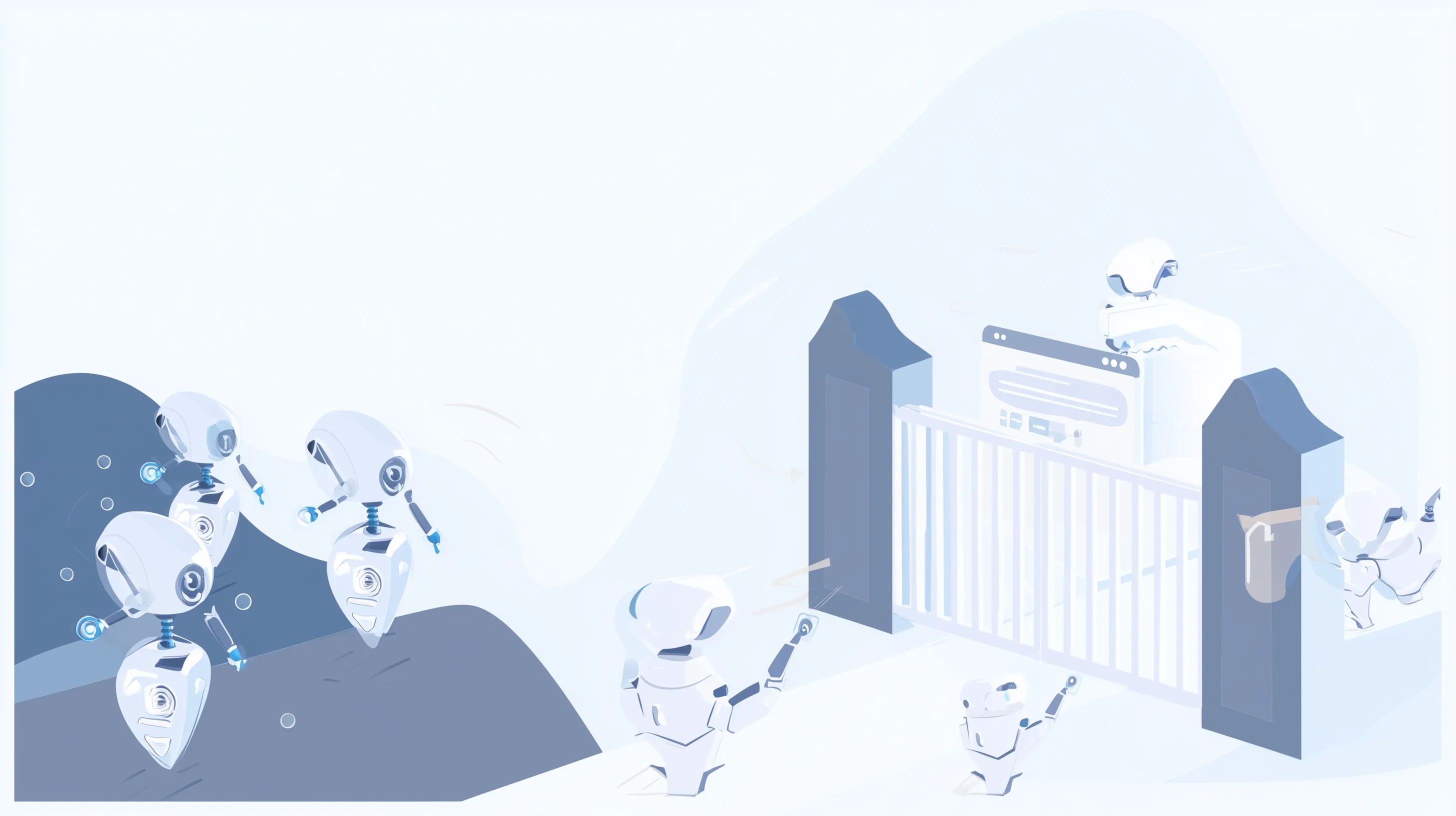
Eight AI crawlers are reading your website right now. You did not invite them. OpenAI, Anthropic, Google, ByteDance, Perplexity: they are all scanning your pages today to train models, generate search answers, and decide whether your business exists in the AI-powered internet. A two-line change to one text file determines whether they can.
That file is robots.txt. Paired with your XML sitemap, it is the oldest access-control mechanism on the web, and suddenly the most consequential. Here is why: in 2025, blocking a search crawler cost you a ranking. In 2026, blocking an AI crawler costs you existence. If AI cannot see you, AI cannot recommend you. And over 60% of businesses have never configured these files for the 8+ AI bots now crawling the web.
This is the complete playbook. Every major AI crawler identified, copy-paste configurations for three different strategies, and the strategic framework to decide which one fits your business.
The 8 AI Crawlers Scanning Your Site
Each AI company deploys a named user agent with a specific mission. Some train models. Some power search. Some do both. Confusing them is expensive: block the wrong one and you vanish from ChatGPT search results while still feeding training pipelines.
| Crawler | Operator | Purpose | Respects robots.txt |
|---|---|---|---|
| GPTBot | OpenAI | Training data and ChatGPT Browse | Yes |
| OAI-SearchBot | OpenAI | ChatGPT search results | Yes |
| ClaudeBot | Anthropic | Training data collection | Yes |
| anthropic-ai | Anthropic | Older Anthropic crawler identifier | Yes |
| Google-Extended | Gemini training data | Yes | |
| Bytespider | ByteDance | TikTok and model training | Yes |
| CCBot | Common Crawl | Open dataset used by many AI labs | Yes |
| PerplexityBot | Perplexity AI | AI-powered search answers | Yes |
How robots.txt Works (30 Seconds)
One plain text file at your domain root. Four directives. That is all that stands between your content and every crawler on the internet.
User-agent: GPTBot
Disallow: /private/
Allow: /blog/

User-agent: *
Allow: /
The mechanics are dead simple:
- •User-agent targets a specific crawler.
*means all of them. - •Disallow blocks a path.
Disallow: /blocks everything. - •Allow explicitly opens a path.
- •Sitemap points crawlers to your sitemap URL.
- •This is a voluntary protocol: legitimate crawlers honor it, but it is not a security wall. Think of it as a "please" sign, not a padlock.
Three robots.txt Strategies (Copy-Paste Ready)
Strategy 1: Open Door (Maximum AI Visibility)
# AI-Friendly robots.txt
User-agent: *
Allow: /

# Point all crawlers to the sitemap
Sitemap: https://yoursite.com/sitemap.xml
Four lines. Maximum reach. Every AI assistant, every search product, every training pipeline can see your content. For most businesses, this is the right answer, and the one that takes 30 seconds to implement.
Strategy 2: Surgical (Allow AI Search, Block Training)
# Balanced robots.txt -- allow AI search, restrict training
User-agent: GPTBot
Disallow: /

User-agent: OAI-SearchBot
Allow: /

User-agent: Google-Extended
Disallow: /

User-agent: Bytespider
Disallow: /

User-agent: CCBot
Disallow: /

User-agent: ClaudeBot
Disallow: /

User-agent: anthropic-ai
Disallow: /

User-agent: *
Allow: /

Sitemap: https://yoursite.com/sitemap.xml
This is the scalpel approach. You stay visible in ChatGPT search results (OAI-SearchBot allowed) and traditional search (Googlebot untouched), but training crawlers cannot harvest your content. The trade-off is real: you keep appearing in AI answers today, but you have no influence on how future models understand your industry.
Strategy 3: Fortress (Block All AI Crawlers)
# Restrictive robots.txt -- block all known AI crawlers
User-agent: GPTBot
Disallow: /

User-agent: OAI-SearchBot
Disallow: /

User-agent: ClaudeBot
Disallow: /

User-agent: anthropic-ai
Disallow: /

User-agent: Google-Extended
Disallow: /

User-agent: Bytespider
Disallow: /

User-agent: CCBot
Disallow: /

User-agent: PerplexityBot
Disallow: /

User-agent: *
Allow: /

Sitemap: https://yoursite.com/sitemap.xml
Full lockdown. No AI crawler gets in. Traditional search still works. But understand what this costs: when a potential customer asks ChatGPT, Claude, or Perplexity about your industry, you will not be in the answer. Your competitors who left the door open will be.
XML Sitemaps: Your AI Discovery Map
Most teams treat sitemap.xml as an SEO checkbox. That is a mistake worth correcting. AI crawlers use your sitemap as a priority map. It tells them what to read first, what has changed, and what matters most. Without one, crawlers guess. Guessing means they index your cookie policy instead of your product page.
AI-Optimized Sitemap Structure
<?xml version="1.0" encoding="UTF-8"?>
<urlset xmlns="http://www.sitemaps.org/schemas/sitemap/0.9">
  <url>
    <loc>https://yoursite.com/</loc>
    <lastmod>2026-02-18</lastmod>
    <changefreq>weekly</changefreq>
    <priority>1.0</priority>
  </url>
  <url>
    <loc>https://yoursite.com/services</loc>
    <lastmod>2026-02-01</lastmod>
    <changefreq>monthly</changefreq>
    <priority>0.9</priority>
  </url>
</urlset>
Five rules that separate discoverable sites from invisible ones:
- •Always include
<lastmod>: AI crawlers use this timestamp to decide whether a page is worth re-crawling. No date means no urgency. - •Set honest
<priority>values: Homepage and core service pages get 0.9-1.0. Blog posts get 0.6-0.7. Do not set everything to 1.0; crawlers learn to ignore sites that cry wolf. - •Reference your sitemap in robots.txt: Add a
Sitemap:directive. Roughly 35% of sites skip this, and those sites get crawled less frequently. - •Stay under 50,000 URLs per file: This is the protocol ceiling. Larger sites need sitemap index files.
- •Update
<lastmod>when content actually changes: A sitemap full of 2023 timestamps tells crawlers your site is abandoned. They will act accordingly.
If you are also implementing llms.txt, the two files complement each other perfectly: your sitemap guides crawler discovery while llms.txt gives LLMs a structured summary they can load directly into context without crawling dozens of pages.
What Our GEO Checker Checks
Our free GEO Checker evaluates your robots.txt and sitemap as one layer of a 7-layer analysis. The Robots & Sitemap layer runs five specific checks:
- •robots.txt exists: Is the file present at your domain root?
- •AI crawlers are not blocked: Can GPTBot, ClaudeBot, Google-Extended, and anthropic-ai access your site?
- •robots.txt references your sitemap: Does it include a
Sitemap:directive? - •sitemap.xml exists: Is there an accessible sitemap at your domain root?
- •Valid XML with URL entries: Does it contain properly formatted
<url>entries?
Most sites we audit fail at least two of these checks. Run your free audit now and find out in under 30 seconds.
The Strategic Decision: Open or Closed?
This is not a technical question. It is a business decision with real revenue implications.
| Factor | Allow AI Crawlers | Block AI Crawlers |
|---|---|---|
| AI search visibility | Your content appears in AI-generated answers | You are invisible to AI search tools |
| Training data | Your content may train future models | Your content is excluded from training |
| Brand presence | AI assistants recommend your business by name | AI assistants cannot reference you |
| Competitive risk | You gain AI visibility alongside competitors | You hand that visibility to competitors |
For strategies beyond robots.txt (making your content structurally readable for AI models), see our guide on Structured Data for AI: How JSON-LD Helps LLMs Understand Your Business.
Five Mistakes That Kill AI Visibility
- •The wildcard trap: A single
Disallow: /underUser-agent: *blocks every crawler, including the AI bots you want. One misplaced line, total invisibility. - •The orphaned sitemap: Your sitemap.xml exists, but robots.txt never references it. Crawlers do not go looking for files you never told them about.
- •Timestamp rot: A sitemap full of
<lastmod>dates from 2023 tells crawlers your business went dark two years ago. They will treat it accordingly and deprioritize every URL. - •IP-based blocking: Blocking crawler IPs instead of user agents breaks the moment a company changes infrastructure. It is fragile, opaque, and nearly impossible to maintain.
- •The allow-list fallacy: Listing only today's 8 crawlers means tomorrow's 9th walks right past your rules. A well-configured
User-agent: *directive is more future-proof than any bot-by-bot allow list.
Your Next Move
robots.txt and sitemaps are the foundation. They are also just 2 of 7 layers that determine whether AI can find, understand, and recommend your business. Our GEO Checker checks all seven in under 30 seconds and delivers a prioritized action plan: not a generic report, but the specific changes ranked by impact.
Need hands-on implementation? From robots.txt configuration to llms.txt and structured data: Contact us.