Most teams do not need another AI strategy deck. They need someone to look at the work their team does every day and automate the parts that are wasting time.
That is the job of an AI workflow consultant. Not to recommend AI in the abstract, but to find the specific workflows worth automating, design how the automation should behave, and ship it into production where it earns its keep.
Here is what the role actually involves, and where most engagements quietly go wrong.
The short version
An AI workflow consultant does four things:
- Maps your workflows to see where time, cost, and errors actually accumulate.
- Decides what to automate and in what order, scored against value, complexity, and risk.
- Designs the automation including the guardrails: where it acts on its own, where a human reviews, and what happens when the model is unsure.
- Ships it to production integrated with the systems you already use, with monitoring and audit trails.
The difference between a good engagement and a wasted one is whether step four happens. Plenty of consultants stop at step two with a recommendation. The value is in the working automation, not the slide about it.
Step 1: Mapping the work
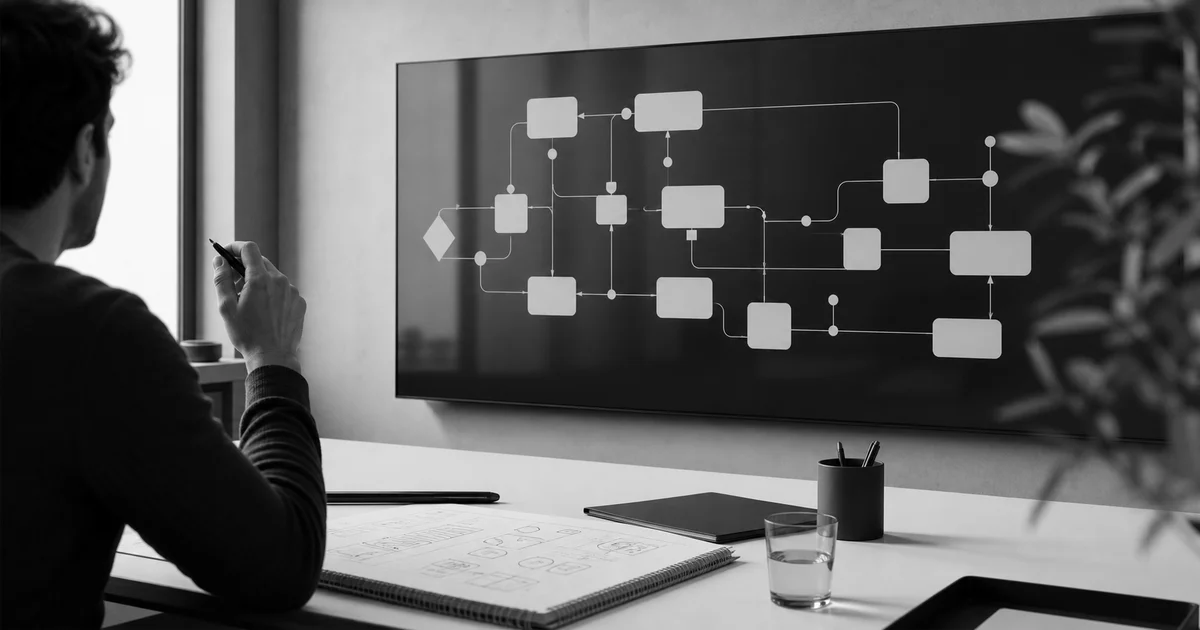
The first job is unglamorous and the most important. Before anything gets automated, the consultant maps how work moves through your operation: the inputs, the steps, the handoffs, the exceptions, and the cost per transaction.
This is where the real automation candidates surface. It is rarely the work people complain about loudest. More often it is the quiet, high-volume tasks that nobody owns: rekeying data between systems, reading documents to extract a few fields, triaging an inbox, assembling the same report every week.
A good map answers one question: where is repetitive effort scaling only by adding people?
Step 2: Deciding what to automate
Not every workflow is worth automating, and the order matters. A workflow that saves twenty hours a week but takes six months to build is a worse first project than one that saves five hours and ships in three weeks.
The consultant scores candidates against three axes:
- •Value: time saved, error reduction, cycle-time improvement.
- •Complexity: how many systems and edge cases are involved.
- •Risk: what happens if the automation gets it wrong, and how reversible that is.
The output is a phased plan: automate this first because it pays back fastest and safely, then expand from a stable foundation. This planning work is often called AI workflow planning consulting, and it is the cheapest insurance against building the wrong thing.
Step 3: Designing the guardrails
This is the part that separates production-grade automation from a demo that breaks the first week. AI workflows fail in predictable ways: too autonomous where stakes are high, not autonomous enough where they could move fast, and silent when the model is wrong.
A workflow consultant designs autonomy at the step level:
- •Where the task is safe and repetitive, the automation runs on its own.
- •Where judgement matters, a human reviews before anything ships.
- •Where the model is unsure, the work routes to a review queue rather than guessing.
Every automated decision is logged with its inputs and output, so the workflow stays auditable. Safe speed is the goal, not speed alone.
Step 4: Shipping it into your stack
An automation that lives in a notebook helps no one. The consultant integrates it with the tools your team already uses: your CRM, finance system, ticketing, document store, and internal databases. The workflow should feel like a capability inside your operation, not a separate system to maintain.
Shipping also means monitoring. Accuracy, exception rate, and time saved get tracked against the baseline taken during mapping, so you can see what the automation is actually doing, not what it was promised to do.
When you need one
You probably need an AI workflow consultant when:
- •Your team is adding headcount to keep up with repetitive admin.
- •You have tried off-the-shelf AI tools and hit a wall connecting them to your systems.
- •You know AI could help but are not sure which workflow to start with, or how to do it safely.
If your problem is a single, well-understood task, a tool might be enough. If it is a workflow that spans systems, involves judgement, and needs to be reliable, that is consulting territory.
How we approach it
At Clarvia the work is productized. A Discovery Sprint maps your workflows and produces the phased plan in one to two weeks. The build integrates the automation into your stack with the guardrails and monitoring in place. You finish with a working automation and the artifacts to run it, not a recommendation. You can read more about our AI automation consulting model and how we choose what to automate first.
The same discipline applies whether the target is back office automation, support operations, or finance: find the work worth automating, design it to be safe, and ship it where it pays back.
If you want a second opinion on which of your workflows is worth automating first, book a 15-minute feasibility triage. We will tell you honestly where AI fits and where it does not.